
Opis
This WordPress mega menu plugin enables you to build tailor-made site navigation menus in Gutenberg.
Note: this WP navigation block is made for the full-site editing experiences in WordPress. Until full-site editing is available in Core, the plugin provides limited options since it can’t fully integrate with the navigation menu.
The WordPress navigation menu plugin adds a few free mega menu Gutenberg blocks for different purposes:
- Mega menu block.
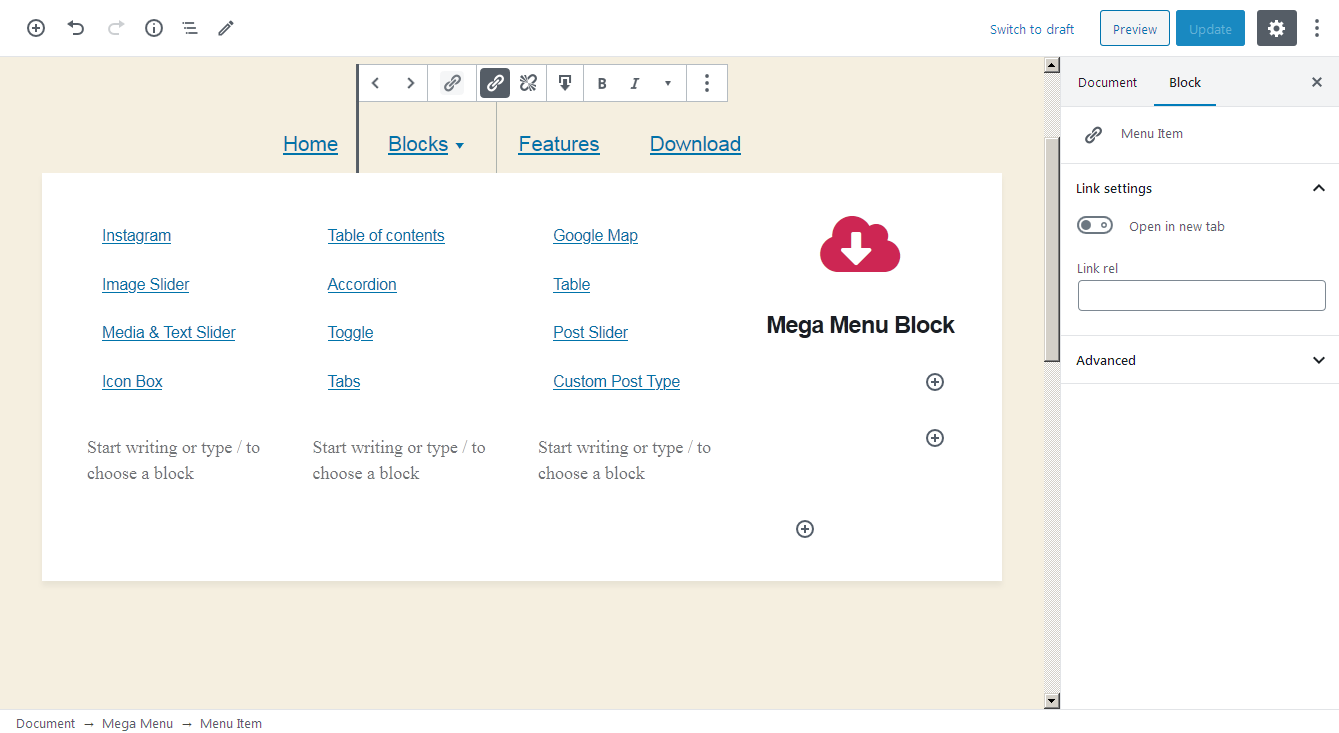
- Mega menu item block.
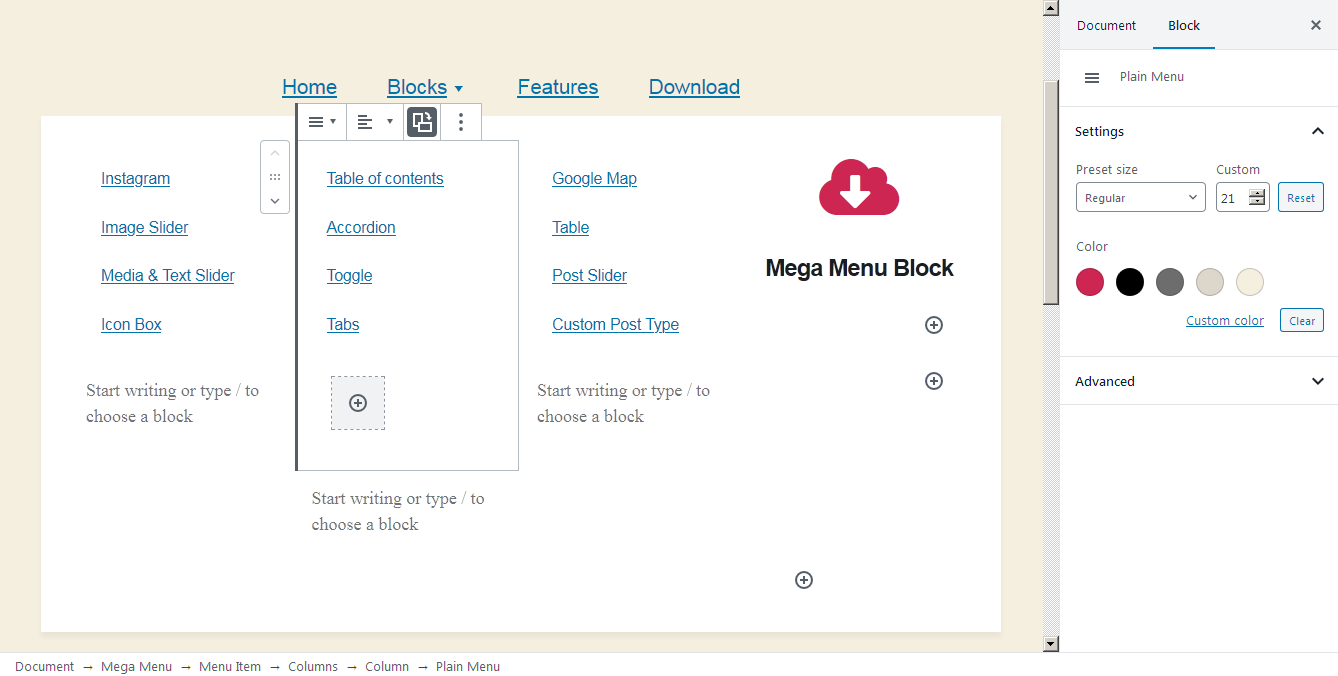
- Plain menu block.
- Plain menu item block.
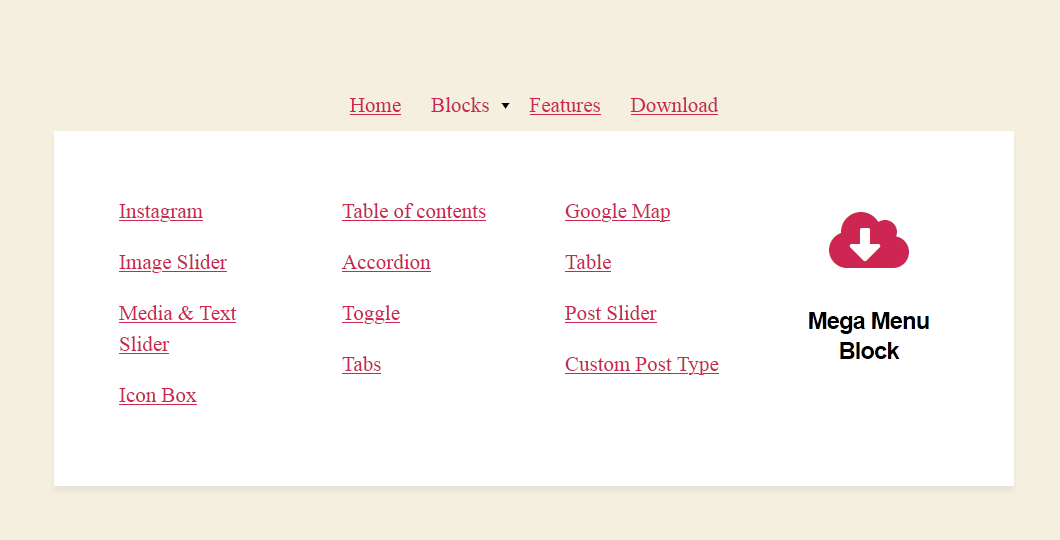
The mega menu item block is very flexible – it allows you to add drop-down menus that can handle any WordPress block, giving you full control over the look and feel of your menus.
How you can approach the WordPress mega menu plugin:
- The mega menu block is a container that can handle only mega menu items, which, in their turn, can handle nested drop-downs, i.e. contain any other blocks.
- Plain menu blocks can contain plain menu items that can handle drop-downs with other plain menu items.
- The width, color, font size, layouts (horizontal and vertical) of some navigation blocks are fully customizable.
- You can optionally transform a WordPress navigation menu into the “hamburger button” for mobile devices.
Searching for the best Gutenberg addon?
Check out Getwid WordPress Blocks – a top-rated block & template library for the block editor.
Copyright
WordPress Mega Menu Block, Copyright (C) 2020, MotoPress https://motopress.com/
WordPress Mega Menu Block plugin is distributed under the terms of the GNU GPL.
Credits
Snimke zaslona
Instalacija
- Upload the plugin to the /wp-content/plugins/ directory.
- Activate the plugin through the ‘Plugins’ menu in WordPress.
Recenzije


Suradnici i Programeri
“WordPress Mega Menu Block” je softver otvorenog koda. Sljedeće osobe su doprinijele ovom dodatku.
Suradnici
“WordPress Mega Menu Block” je prijeveden na 2 dijalekta. Zahvala prevodiocima za njihov doprinos.
Prevedite “WordPress Mega Menu Block” na svoj jezik.
Zainteresirani ste za razvoj?
Pregledajte kôd, pogledajte SVN spremišteili se pretplatite na dnevnik razvoja od RSS.
Dnevnik promjena
1.0.6, Nov 16 2023
- Improved compatibility with WordPress 6.4.
1.0.5, May 22 2023
- Added the ability to change the mobile menu toggle button markup via a filter.
- Fixed performance issues that can be caused by a large quantity of child blocks in the menu dropdown.
- Improved compatibility with PHP 8.
- Minor style improvements.
1.0.4, Sep 16 2022
- Fixed an issue when the submenu icon may not be shown if the user does not logged in.
1.0.3, Aug 04 2022
- Improved compatibility with FSE.
1.0.2, Apr 04 2022
- Improved compatibility with WordPress 5.9.
1.0.1, Mar 22 2022
- Fixed an issue with font sizes.
- Added the ‘is-current’ class for a current menu item.
- Added filers for menu item classes to the Menu Item and the Plain Menu Item blocks.
0.0.3, May 28 2021
- Fixed an issue with additional CSS class(es).
0.0.2, Aug 04 2020
- Minor bugfixes and improvements.
0.0.1, Jul 27 2020
- Initial release.