
Opis
Link Shortner helps you to generate a short link and share any URL on or off of your WordPress website. Create links that look how you want using your own domain name!
Snimke zaslona
Instalacija
From the admin panel, Go to your WordPress Admin -> Plugins -> Add New. Search for Link Shortener. Install and Activate.
From directories, Upload Link Shortener to the /wp-content/plugins/ directory and activate the plugin through the ‘Plugins’ menu in WordPress
ČPP
-
How to generate a short link
-
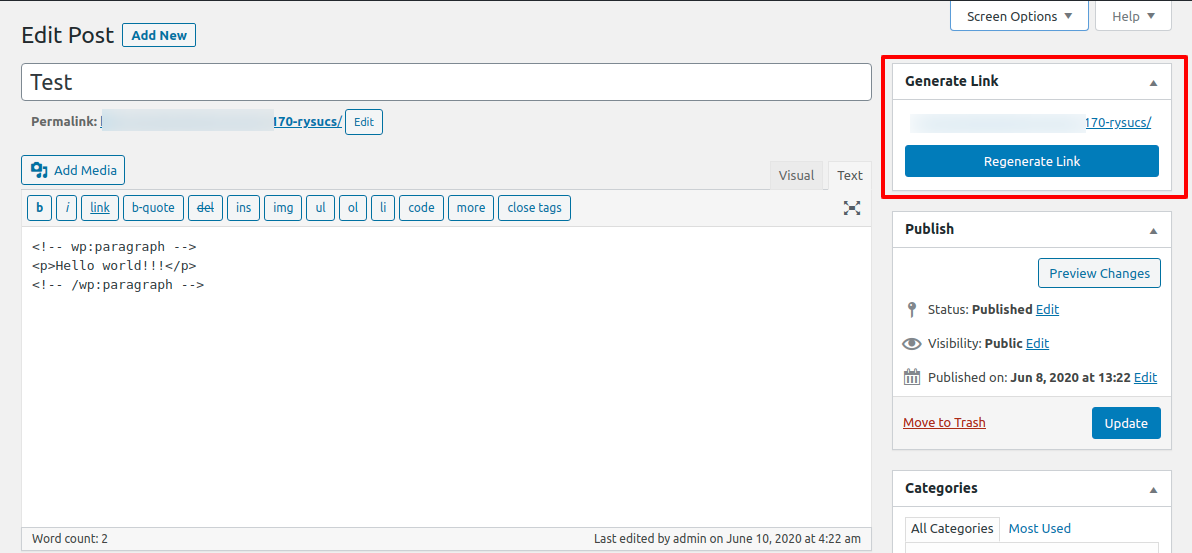
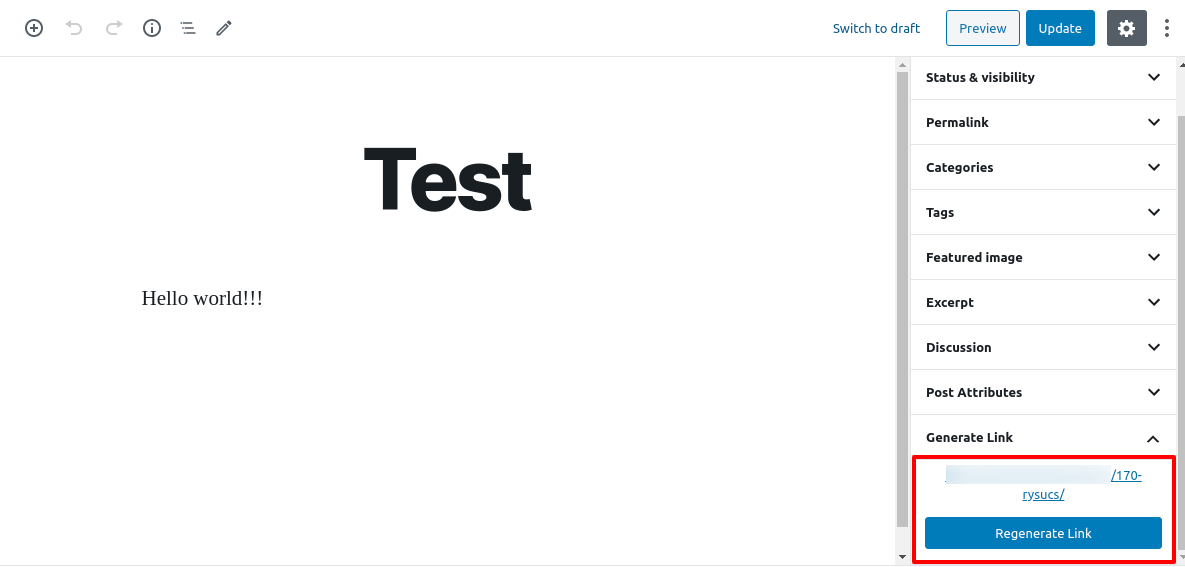
After installing Link Shortner you need to go to post section where you can see the Regenerate link button.
Recenzije


Suradnici i Programeri
“Link Shortner” je softver otvorenog koda. Sljedeće osobe su doprinijele ovom dodatku.
Suradnici

“Link Shortner” je prijeveden na 2 dijalekta. Zahvala prevodiocima za njihov doprinos.
Prevedite “Link Shortner” na svoj jezik.
Zainteresirani ste za razvoj?
Pregledajte kôd, pogledajte SVN spremišteili se pretplatite na dnevnik razvoja od RSS.
Dnevnik promjena
1.0
- Initial release.