

Opis
Easily add a testimonials slider to your WordPress post or page via the new Gutenberg Editor.
- Add testimonial text, author name, author image and author profile link
- Uses Bootstrap and Font Awesome
Donations
If you like the plugin, consider a donation to support further development. Click here
Snimke zaslona
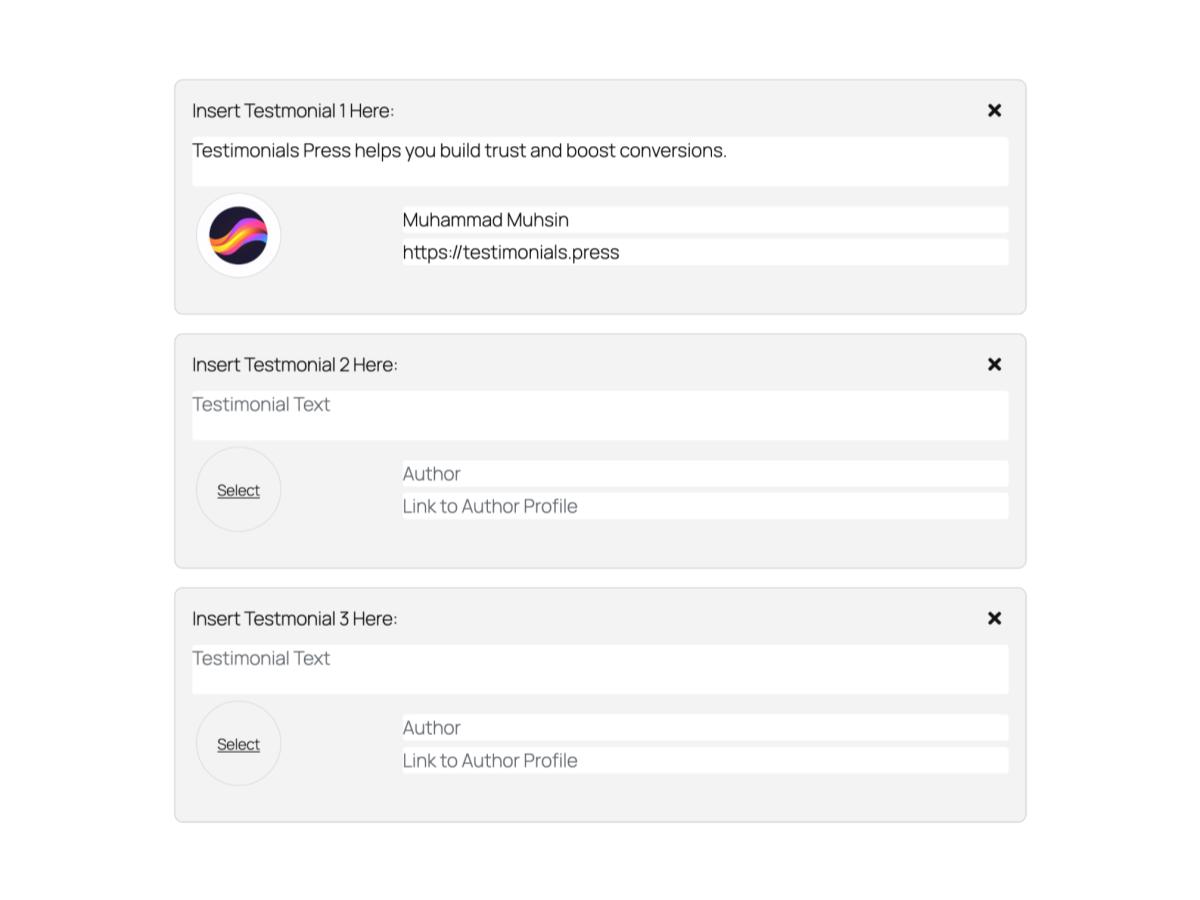
Blokovi
Ovaj dodatak omogućava 1 blok.
- Testimonials Slider
Instalacija
From your WordPress dashboard
- Visit Plugins > Add New
- Search for “Testimonials Press”
- Install the “Testimonials Press” plugin
- Activate “Testimonials Press” from your Plugins page
- Insert Block on your Gutenberg Editor and select “Testimonials Slider”
Recenzije

15. siječnja 2020.
Thank you

11. srpnja 2019.
Very intuitive, simple and works great. Probably saved me a lot of time and trouble to make my own.

19. travnja 2019.
I needed to testimonial in Gutenburg, and this one is better than the one that came with my theme and better than one that came with my Visual editor. Having the image with the text is a great idea.

02. rujna 2018.
easy to use, works with gutenberg
Suradnici i Programeri
“Testimonials Press” je softver otvorenog koda. Sljedeće osobe su doprinijele ovom dodatku.
Suradnici
Prevedite “Testimonials Press” na svoj jezik.
Zainteresirani ste za razvoj?
Pregledajte kôd, pogledajte SVN spremišteili se pretplatite na dnevnik razvoja od RSS.
Dnevnik promjena
1.2.5 (05/09/2024)
- Rename to Testimonials Press and update assets.
1.2.4 (05/09/2024)
- Works upto WordPress 6.6.1
1.2.3 (15/07/2022)
- Works upto WordPress 6.0.1
- Moved Edit and Save to their own files.
1.2.1 (02/04/2020)
- Works upto WordPress 5.4.1
- Fix issue with newly added blocks
- Change End of Line Sequence to LF, add package-lock.json
1.1.0 (14/11/2018)
- Works upto WordPress 5.0 now
1.0.1 (12/11/2018)
- Added a11y support for author images
1.0.0 (21/08/2018)
- First release