
Opis
Management of restaurant menus. Composition dish of the day. Create your own dishes with ingredients, prices, …
PS: question, eewee.fr.
- See the Changelog for what’s new.
Snimke zaslona
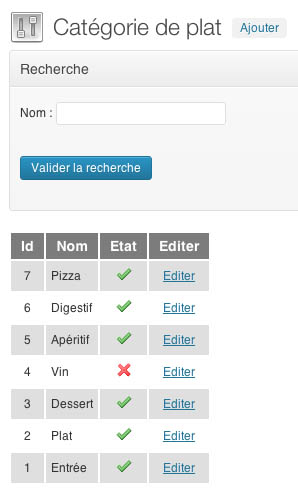
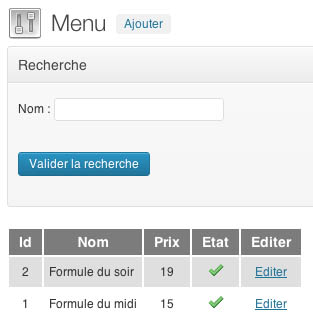
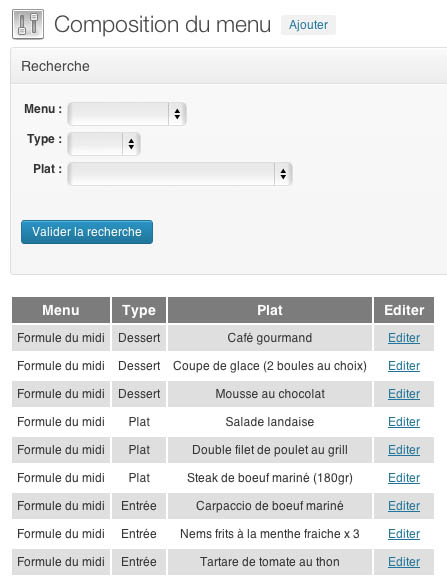
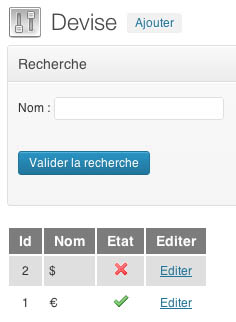
Instalacija
- Download the plugin Zip archive.
- Upload plugin folder to your ‘/wp-content/plugins/’ directory
- Activate the plugin through the ‘Plugins’ menu in WordPress
ČPP
- More informations : eewee.fr.

Suradnici i Programeri
“eewee restaurant menu” je softver otvorenog koda. Sljedeće osobe su doprinijele ovom dodatku.
Suradnici
Prevedite “eewee restaurant menu” na svoj jezik.
Zainteresirani ste za razvoj?
Pregledajte kôd, pogledajte SVN spremišteili se pretplatite na dnevnik razvoja od RSS.
Dnevnik promjena
1.6.6
- Fixed : view
1.6.5
- Fixed : order plat and multilangual
1.6.4
- Compatible WP4.0 Benny
1.6.2
- Add : Shortcode ‘laCarte’ (choose by id category)
1.6.1
- Fixed : BO
1.6
- Add : multilingual add of Products
1.5
- Fixed : not display parenthesis if there is no ingredients
- Add : multilingual edition of Products
- SQL : CREATE TABLE
".EEWEE_RESTAURANT_MENU_PREFIXE_BDD."lang(
ID_LANG int(11) NOT NULL AUTO_INCREMENT,
NOM varchar(255) CHARACTER SET latin1 COLLATE latin1_general_ci NOT NULL,
ETAT tinyint(1) NOT NULL,
PRIMARY KEY (ID_LANG)
) ENGINE=InnoDB DEFAULT CHARSET=utf8 AUTO_INCREMENT=1 ; - SQL : CREATE TABLE
".EEWEE_RESTAURANT_MENU_PREFIXE_BDD."lang_plat(
ID_LANG_PLAT int(11) NOT NULL AUTO_INCREMENT,
ID_LANG int(11) NOT NULL,
ID_PLAT int(11) NOT NULL,
NOM varchar(255) CHARACTER SET latin1 COLLATE latin1_general_ci NOT NULL,
INGREDIENT text NOT NULL,
PRIMARY KEY (ID_LANG_PLAT)
) ENGINE=InnoDB DEFAULT CHARSET=utf8 AUTO_INCREMENT=1 ;
1.4
- Add : Location currency
- Add : Separator price
- Add : 2 decimal places
- SQL : ALTER TABLE
wp_eewee_restaurant_deviseADDLOCATIONINT( 11 ) NOT NULL AFTERETAT, ADDSEPARATORINT( 11 ) NOT NULL AFTERLOCATION
1.3
- Fixed : debug mode
1.2
- Creating tables on plugin activation
1.1
- Add shortcode : menu & list flats
1.0
- Plugin 1st version