

Opis
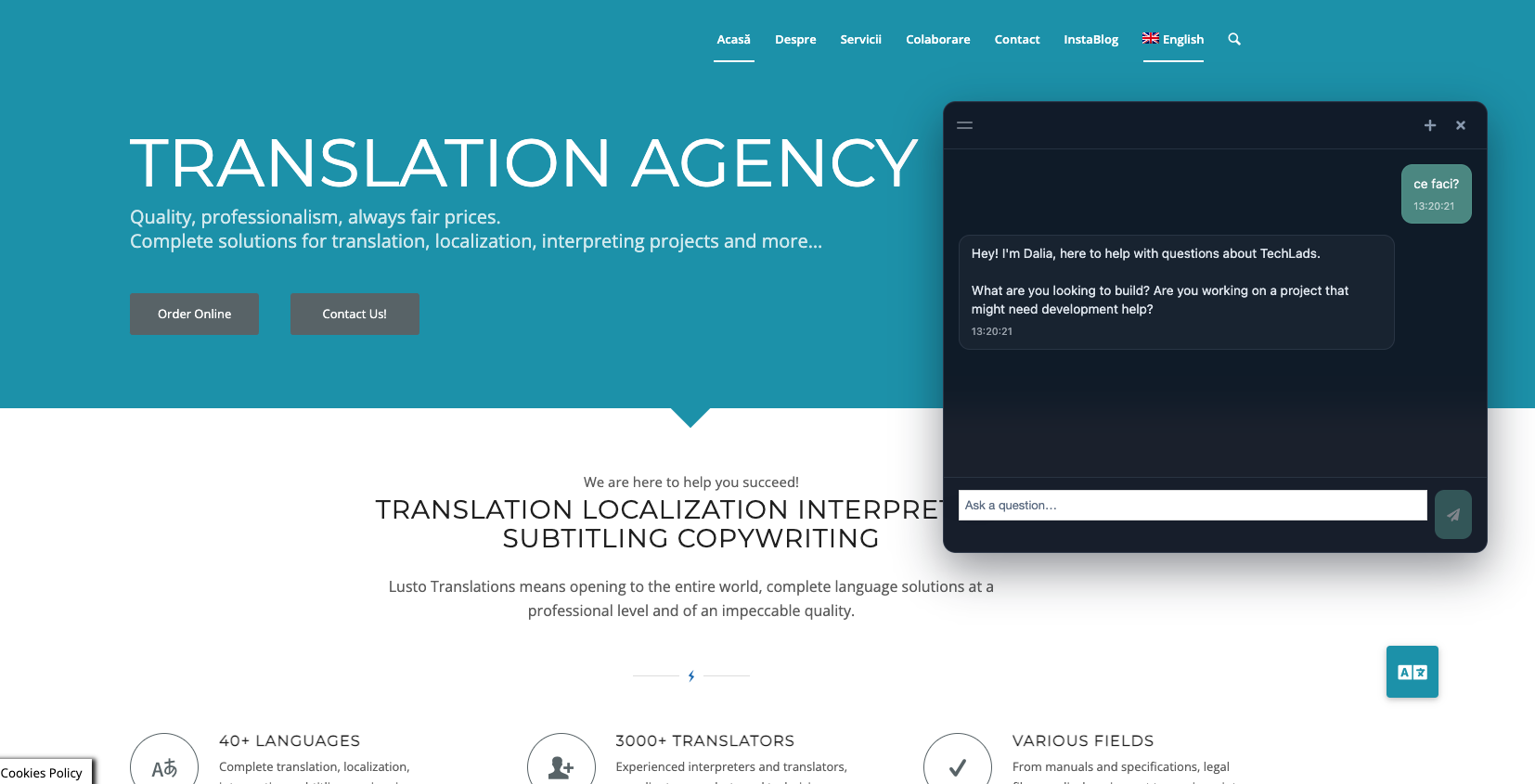
Site Context Chat adds an AI chat to your WordPress site that answers visitors from your knowledge base: your services, prices, opening hours and FAQs. When it can’t help, or the visitor wants to talk to you, it offers to pass on their enquiry, with a summary already written.
The plugin is the chat your visitors see. The answers come from a small backend on your own Supabase project, with your own AI key. No monthly fee to us: you pay Supabase and your AI provider directly, and the data stays in your project.
Two ways to run it
- On its own (free): download the free chat backend from getkontor.eu, set it up on your Supabase project (about 20–30 minutes; the plugin’s settings page walks you through it), and paste your project URL and key.
- With Kontor: your Kontor backend already runs the chat. Paste its URL and key, and every enquiry becomes a prospect in Kontor.
Features
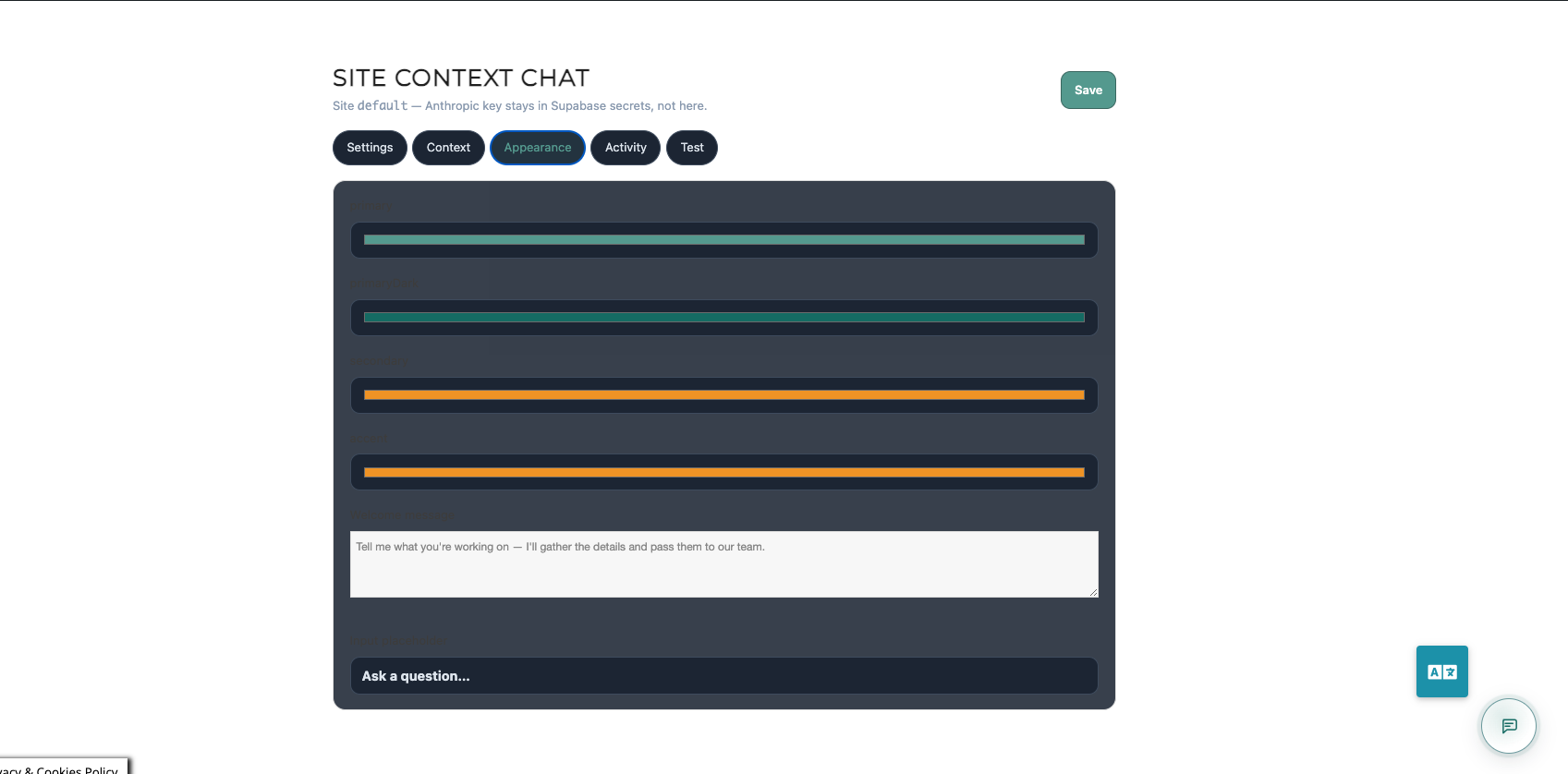
- Floating chat button and window (dark, light, or matching the visitor’s system)
- Streamed answers from your knowledge base, in plain Markdown
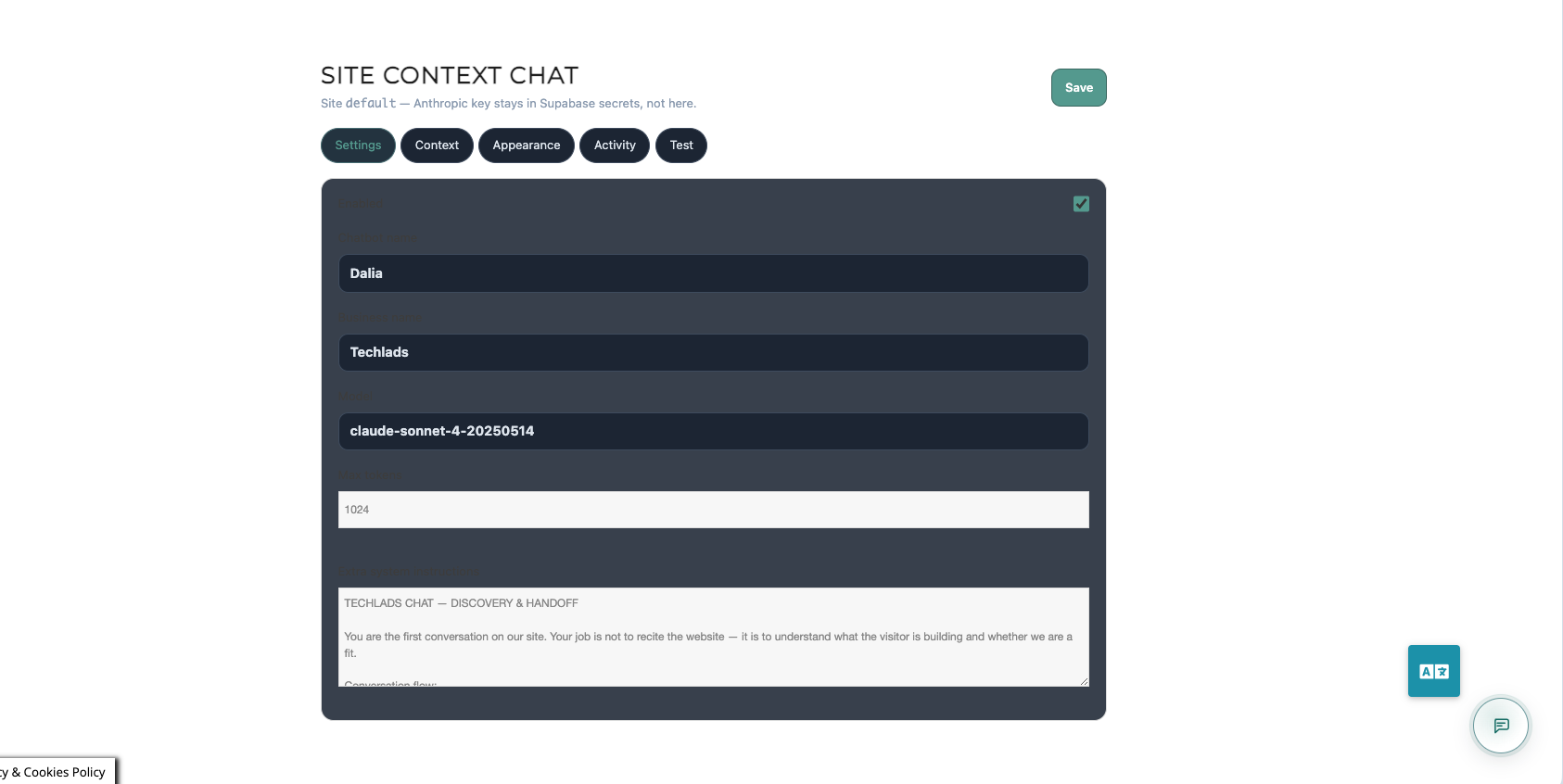
- Claude, OpenAI or Z.ai (GLM) models, on your own key
- Enquiry handoff: saved in your database and, optionally, emailed to you
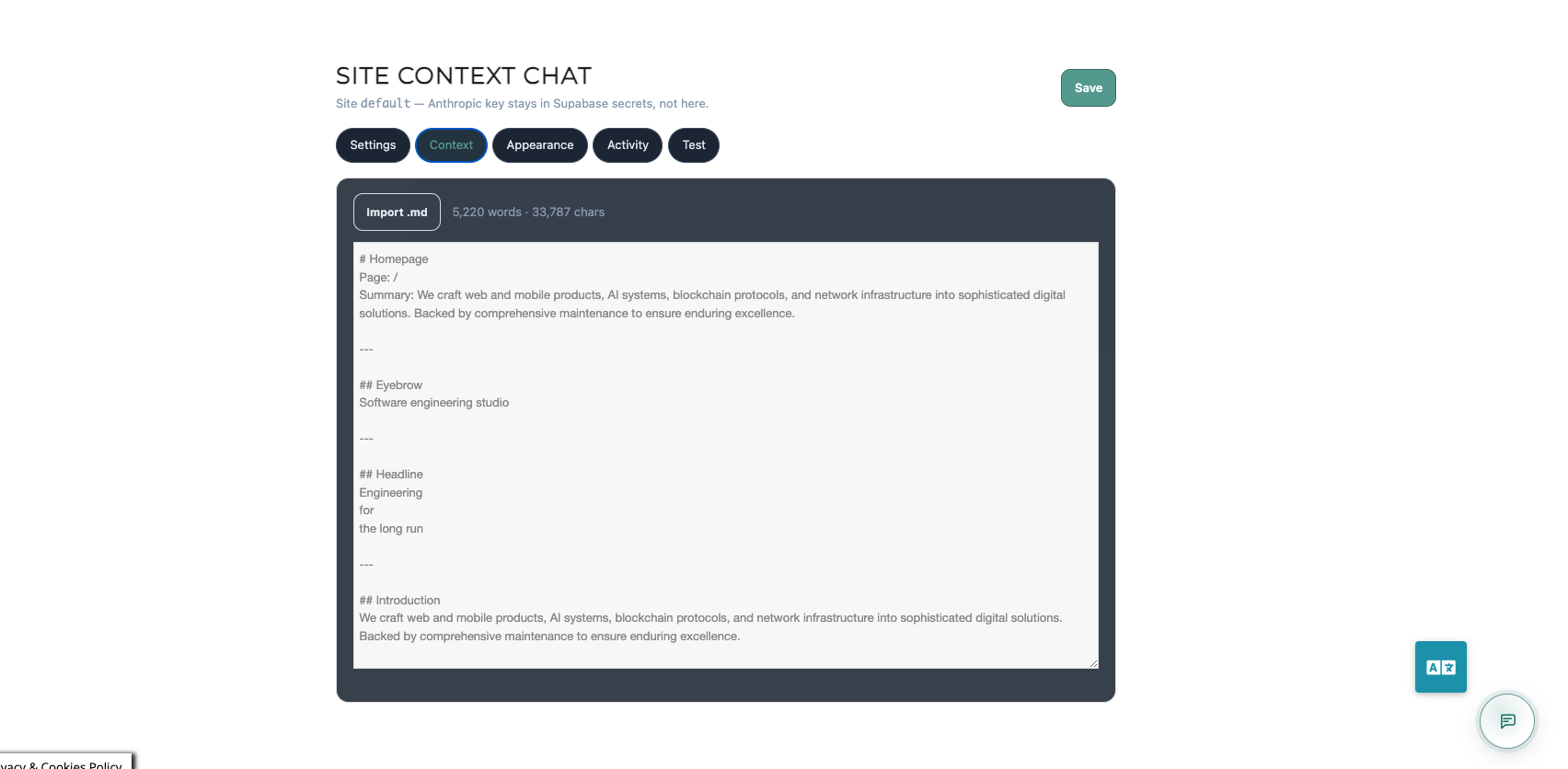
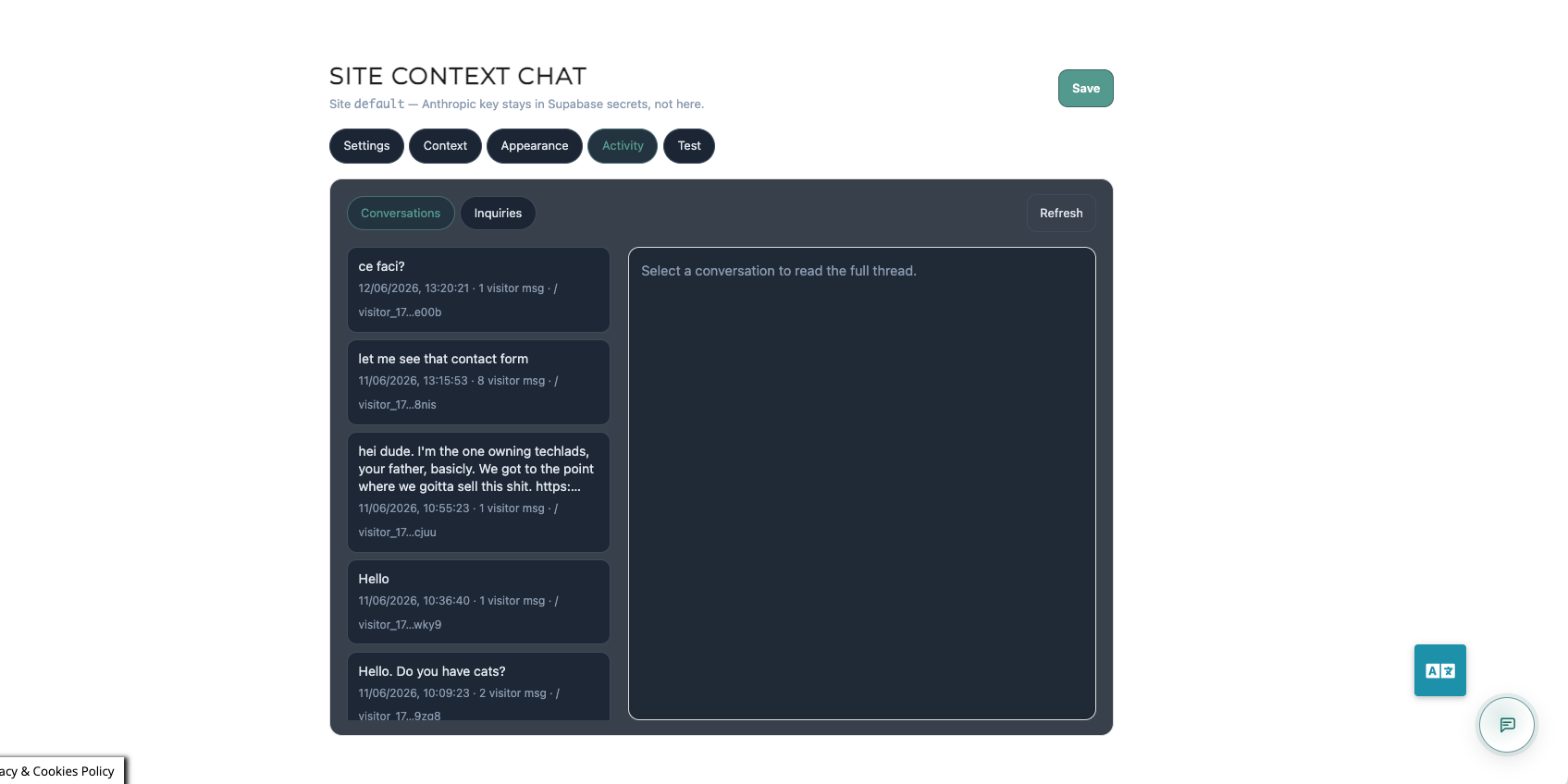
- Chat admin inside wp-admin: knowledge base, appearance, conversations, enquiries
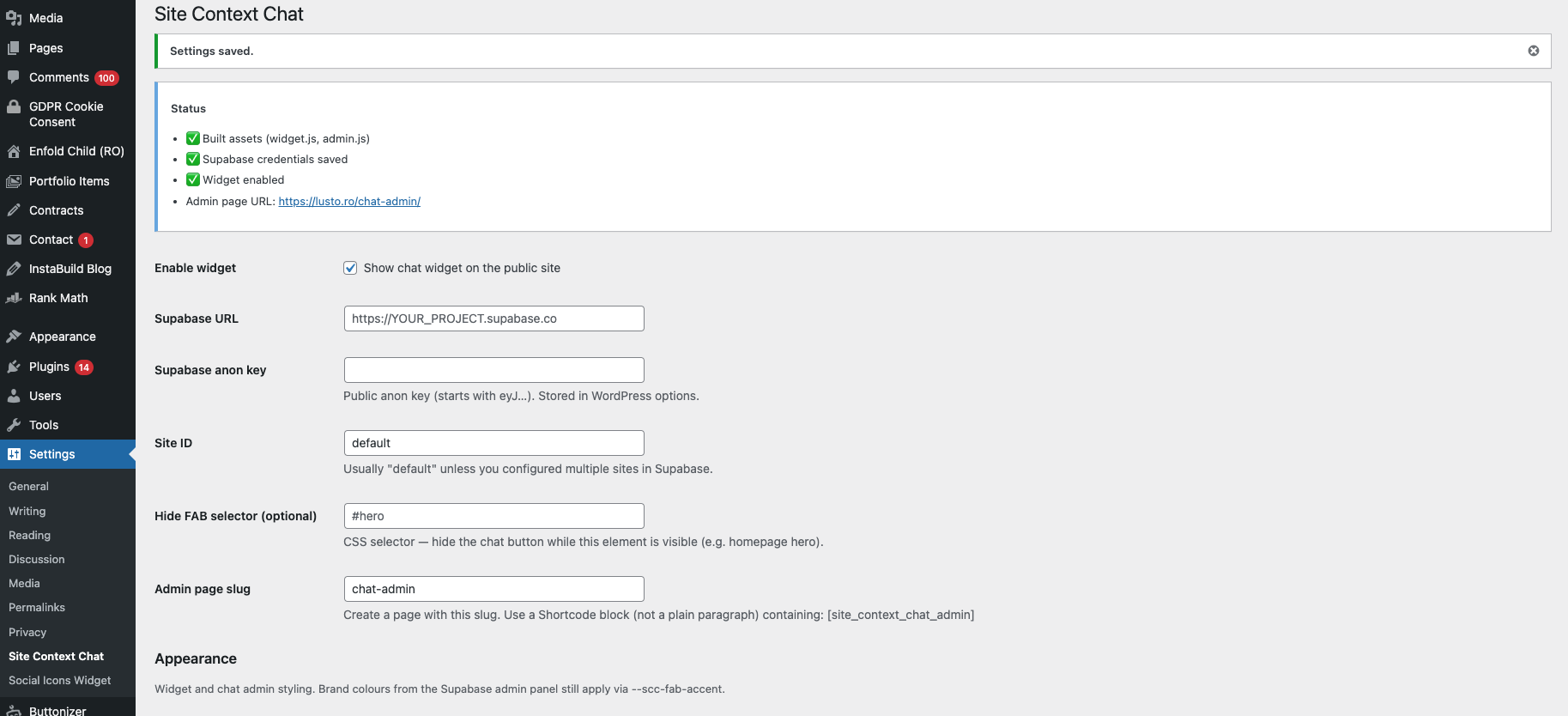
- Step-by-step setup guide on the settings page
- Open source
External services
This plugin connects to services set up by the site administrator. No data is sent to the plugin author.
Supabase
- What: The database and server functions that run the chat and the chat admin.
- When: Whenever a visitor uses the chat or an administrator opens the chat admin (once the URL and key are saved).
- What data: Chat messages, session IDs, page path, enquiry form fields (name, email, phone, message) and chat settings, stored in the administrator’s own Supabase project.
- Terms: https://supabase.com/terms
- Privacy: https://supabase.com/privacy
AI provider: Anthropic, OpenAI or Z.ai (the administrator chooses one)
- What: The language model that writes the chat’s replies.
- When: When the backend answers a visitor’s message (configured on the administrator’s Supabase project, not in this plugin).
- What data: The conversation, the instructions including the knowledge base, and the visitor’s message.
- Anthropic: terms https://www.anthropic.com/legal/consumer-terms · privacy https://www.anthropic.com/legal/privacy
- OpenAI: terms https://openai.com/policies/terms-of-use · privacy https://openai.com/policies/privacy-policy
- Z.ai: terms https://docs.z.ai/legal-agreement/terms-of-use · privacy https://docs.z.ai/legal-agreement/privacy-policy
Resend (optional)
- What: Email delivery for enquiry notifications.
- When: Only if the administrator sets RESEND_API_KEY and the related secrets on Supabase.
- What data: The enquiry notification (visitor name, email, message).
- Terms: https://resend.com/legal/terms-of-service
- Privacy: https://resend.com/legal/privacy-policy
Snimke zaslona
Instalacija
- Install and activate Site Context Chat.
- Open Settings Site Context Chat and follow the setup guide there:
- With Kontor: copy the URL and publishable key from Kontor (Settings Visitor chat Website embed).
- Without Kontor: set up the free backend from getkontor.eu/support-software.
- Paste the Supabase URL, publishable key and admin secret, tick Show chat widget, and save.
- Open the Chat admin tab and add your knowledge base.
Pitanja i odgovori
-
Does this work without any coding?
-
The plugin itself, yes. The free backend needs a few copy-paste steps in the Supabase dashboard and two terminal commands to deploy its functions; the guide has them all, or a developer can do that part in a few minutes. Kontor customers skip it.
-
Which AI models can I use?
-
Claude (Anthropic), OpenAI and Z.ai’s GLM models, each on your own API key, set as a secret on your Supabase project. You pick the model in the chat admin.
-
Where is conversation data stored?
-
In your Supabase database. Messages go to your chosen AI provider to write the replies.
-
Which keys go into WordPress?
-
The project URL and the publishable key, which is public by design (visitors’ browsers use it), plus your admin secret for the Chat admin tab. The admin secret is kept in WordPress options and only shown to administrators. The Supabase service key and your AI keys stay in Supabase.
-
Does it learn from my WordPress posts automatically?
-
No. You write or paste the knowledge base in the chat admin, in Markdown.
-
Is there a fee for the plugin?
-
No. The plugin and the free backend are free and open source. You pay Supabase and your AI provider for what you use.
Recenzije
Nema recenzija za ovaj dodatak.
Suradnici i Programeri
“Site Context Chat” je softver otvorenog koda. Sljedeće osobe su doprinijele ovom dodatku.
Suradnici
Prevedite “Site Context Chat” na svoj jezik.
Zainteresirani ste za razvoj?
Pregledajte kôd, pogledajte SVN spremišteili se pretplatite na dnevnik razvoja od RSS.
Dnevnik promjena
5.4.0
- Rebuilt on the current chat: streamed answers, contact and shop enquiries, refreshed appearance, AI notice
- Chat admin moved into wp-admin (Settings Site Context Chat Chat admin); the shortcode page still works for administrators
- Admin secret saved in the plugin settings (WordPress options), never in the browser
- Claude, OpenAI and Z.ai models
- New free backend download and setup guide; works with Kontor backends too
- Version numbers now match the chat package and the backend
0.1.6
- Remove custom CSS field (WordPress.org policy)
- Prefix plugin identifiers with techlads_
0.1.5
- Embedded setup guide in plugin settings
- Theme: dark, light, auto
0.1.0
- Initial release: widget, admin shortcode, Supabase connection settings